TVV Luxury Flowers Watch Face
ThemeVerse Visuals
Downloads
50,000+
Version
Latest
Click to download now, finish the installation quickly, and directly unlock the all-round experience
Screenshots
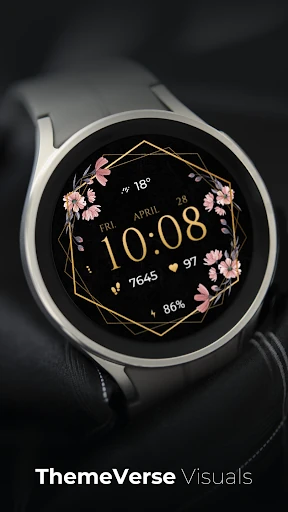
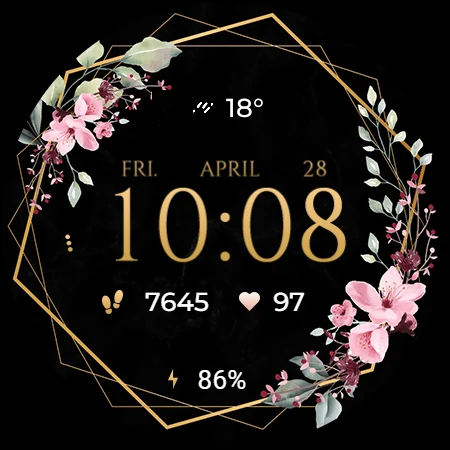
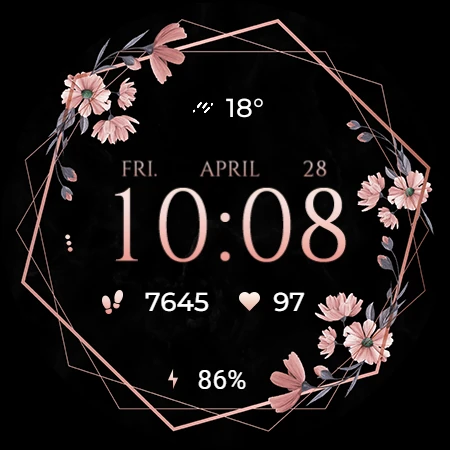
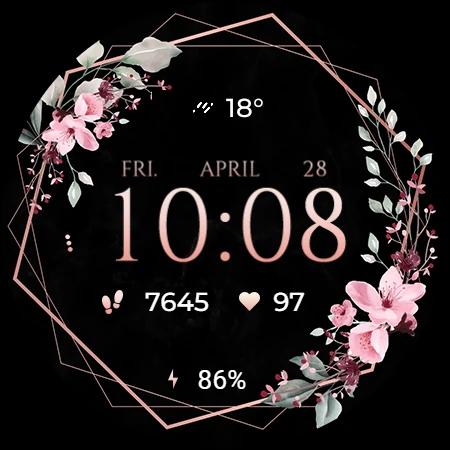
Click to download now, finish the installation quickly, and directly unlock the all-round experience
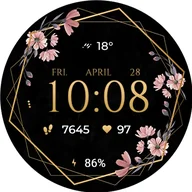
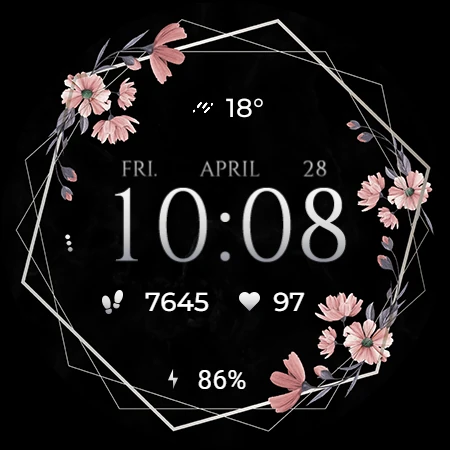
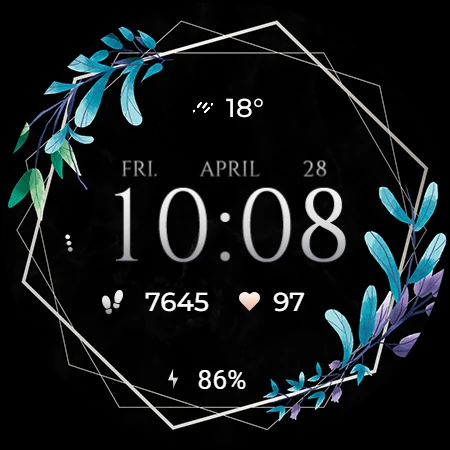
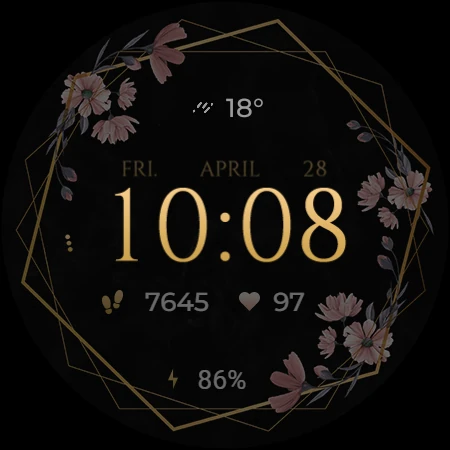
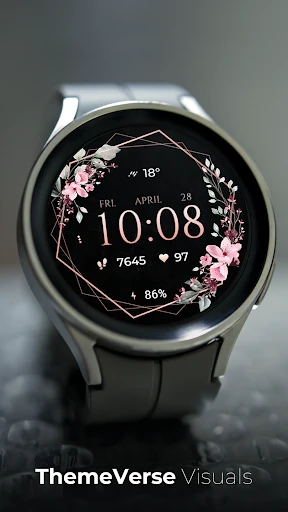
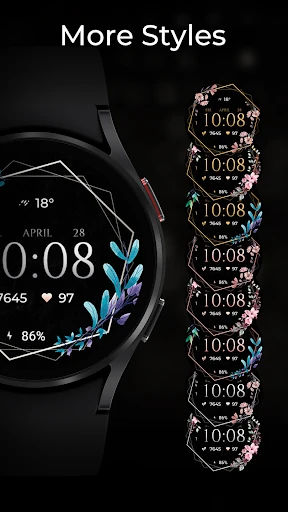
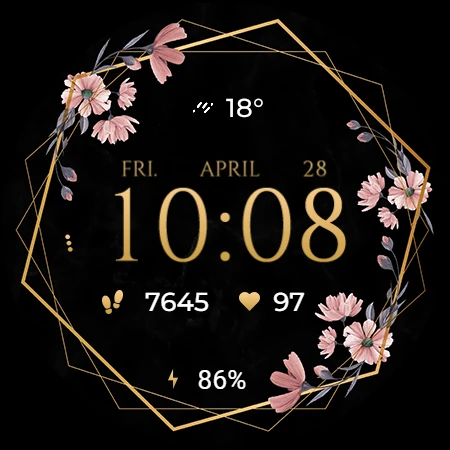
TVV Luxury Flowers Watch Face gives compatible Wear OS watches a decorative floral display with useful information kept on the dial. It suits anyone who wants a more ornamental look without giving up quick access to everyday watch details. The face is designed for devices using API level 33 or later.
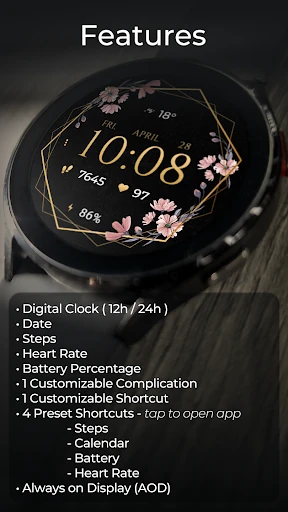
The display can show a digital clock in either 12-hour or 24-hour format, along with the date, battery percentage, step count and heart rate. Heart rate is measured automatically every 10 minutes. Some health-related functions depend on the capabilities of the connected watch.
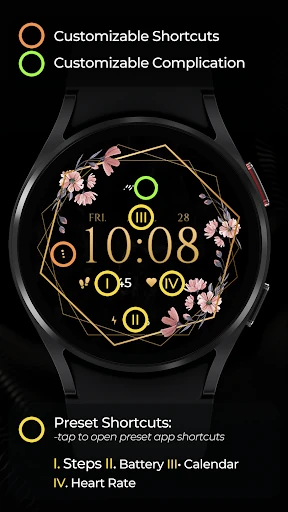
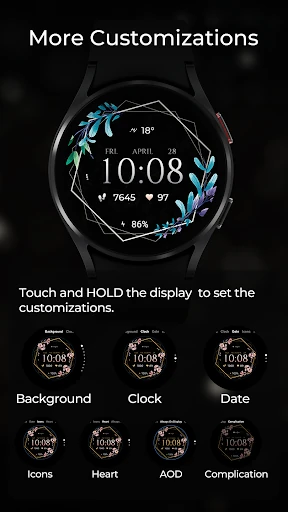
One complication and one shortcut can be changed from the watch face customization options. Touch and hold the display, then choose the customization control to adjust them. Four preset shortcuts provide direct access to Battery, Calendar, Heart Rate and Steps, although the Heart Rate shortcut is available only on compatible devices.
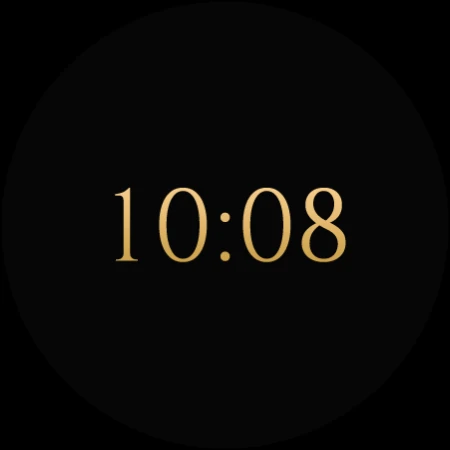
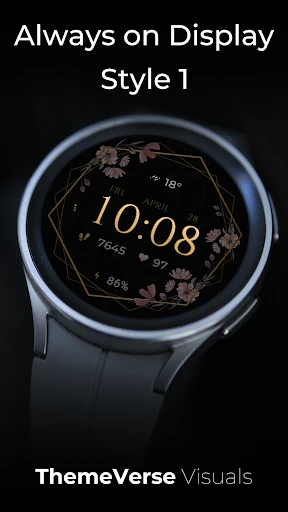
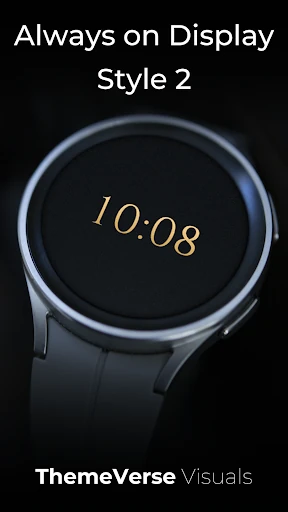
Two Always-on Display styles are included. They are changed through the same customization process as the face options, though they may not appear in previews in exactly the same way as backgrounds and colors. Features and the “Open App” action can vary by device.
Developed by ThemeVerse Visuals, the watch face has a 4.5-star rating from 614 reviews and more than 50,000 installs. It is listed in Personalization for users who prefer a flower-themed watch display with practical data and shortcuts close at hand.